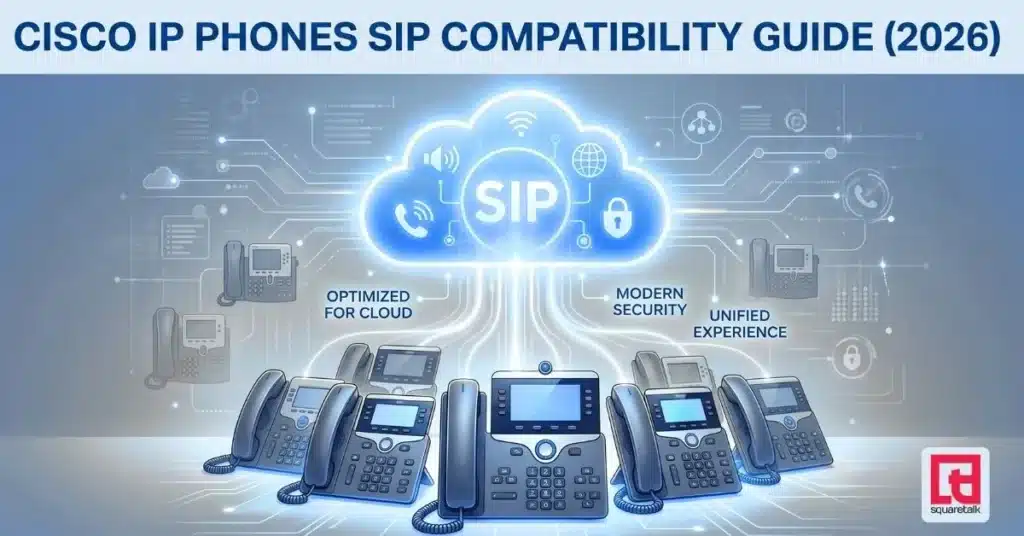
Cisco IP phones are among the most widely deployed desk phones in enterprise environments. While they are primarily designed for Cisco Unified Communications Manager (CUCM), many models can operate in SIP-based environments with the right firmware and configuration.
If your business is migrating to a cloud PBX, an Asterisk-based system, or another modern VoIP platform, the key question is: Can your existing Cisco hardware be reused, or is replacement the better option?
The answer depends on the model, firmware, and the scale of your deployment. Some Cisco phones can be adapted to SIP relatively easily, others require additional effort or licensing, and some are better replaced.
Why Cisco Phones Don’t Always Work with SIP Platforms
Cisco IP phones were originally built for CUCM using SCCP (Skinny Client Control Protocol), Cisco’s proprietary signaling protocol.
Modern VoIP platforms use SIP (Session Initiation Protocol) – the industry-standard protocol supported by most vendors.
Many Cisco devices support SIP, but:
- SIP firmware is often separate from SCCP firmware
- Configuration is typically more manual than with SIP-native phones
- Feature compatibility may vary depending on the model
Cisco 8800 Firmware: MPP vs Enterprise
Cisco 8800 series phones are available with two firmware types:
- Enterprise firmware (CUCM) – designed to work with Cisco call control platforms
- MPP (Multiplatform / 3PCC) firmware – designed for standard SIP environments
These firmware types are not freely interchangeable. Converting from enterprise firmware to MPP typically requires Cisco licensing through an authorized partner, which can add cost depending on the deployment.
Before planning any migration, confirm the firmware version on your devices.
Cisco IP Phone Compatibility List (2026)
Fully Compatible Models (SIP Ready)
These models are commonly used with SIP platforms when properly configured:
- 7940 / 7960
- 7941 / 7961
- 7942 / 7962
- 7965
- 7970 / 7971
- 8841 / 8851 / 8861 (MPP firmware only)
Typical requirements:
7900 series
- SIP firmware installation
- TFTP server for provisioning
- XML configuration files
- DHCP Option 150 or manual setup
8800 MPP series
- Confirm MPP/3PCC firmware
- HTTP/HTTPS provisioning
- Template-based configuration
Partially Compatible Models (Conversion Required)
These models can be used in SIP environments, but may require firmware conversion or added complexity:
- 8811 / 8841 / 8851 / 8861 (enterprise firmware)
Key considerations:
- Enterprise firmware does not register directly to third-party SIP platforms
- Conversion to MPP firmware requires Cisco licensing
- TLS, certificates, and provisioning may add setup complexity
For many organizations, especially smaller deployments, it’s worth comparing conversion costs versus replacement.
Not Recommended Models
- DX650 / DX70 / DX80 – Android-based collaboration devices; not designed as standard SIP desk phones (though SIP apps may be possible)
- SPA series (older models) – SIP-capable, but aging hardware with limited vendor support
- 7910 / 7920 – legacy devices with limited or outdated SIP support
Cisco Migration Decision Guide
Before making changes:
Step 1 – Identify your phone model
Step 2 – Determine compatibility category
Step 3 (8800 only) – Check firmware type (MPP vs Enterprise)
General guidance:
- Fully compatible models → Reusing is usually viable
- Partially compatible models → Compare effort vs replacement
- Legacy / unsupported models → Replacement is typically more practical

Want to move to the cloud? Here's your step-by-step plan.
Cost of Reusing Cisco Phones
Reusing Cisco hardware can reduce upfront spend, but it’s important to account for configuration and maintenance effort.
7900 Series Considerations
- No active firmware updates or security patches
- Manual provisioning via TFTP
- Limited remote management compared to modern SIP phones
- Setup time varies significantly depending on experience and tooling
8800 Enterprise Firmware
- Requires licensing to convert to MPP
- Configuration complexity is higher than SIP-native devices
General observations:
- Small deployments with in-house expertise can often reuse Cisco devices effectively
- Larger deployments or distributed teams may benefit from simpler, SIP-native hardware
Best SIP Phone Alternatives
For organizations prioritizing ease of deployment and scalability, SIP-native phones can offer advantages:
- Yealink – widely supported, strong auto-provisioning capabilities
- Grandstream – cost-effective, flexible
- Snom – strong presence in European markets
Compared to legacy Cisco setups, these devices typically provide:
- Faster provisioning
- Easier remote management
- Ongoing firmware support
Cisco Migration to Squaretalk
Squaretalk is a SIP-based cloud contact center platform designed to integrate with a wide range of VoIP endpoints, including compatible Cisco IP phones. When migrating from a Cisco-based environment (such as CUCM or on-prem PBX systems), the process typically involves a structured evaluation and transition plan to ensure minimal disruption.
A typical Cisco migration with Squaretalk includes:
- Device audit and compatibility assessment: Identifying which Cisco models are fully compatible, partially compatible, or not suitable for SIP environments, including verification of firmware types (SCCP vs SIP, MPP vs Enterprise).
- Firmware evaluation and preparation: Installing or upgrading to SIP firmware on supported 7900 series devices, and confirming MPP (3PCC) firmware on 8800 series phones where applicable.
- Provisioning and configuration: Setting up devices using Squaretalk’s provisioning templates, including account credentials, SIP registration settings, and network configuration. Depending on the model, this may involve TFTP-based provisioning (legacy devices) or HTTP/HTTPS auto-provisioning (MPP devices).
- Network and performance checks:
Ensuring proper QoS configuration, firewall/NAT compatibility, and stable SIP signaling and media flow for reliable call quality. - Testing and validation:
Verifying inbound/outbound calling, feature compatibility, and overall system stability before full rollout. - Replacement recommendations where needed: For unsupported, legacy, or enterprise-locked devices, Squaretalk provides guidance on modern SIP-native alternatives that simplify deployment and long-term management.
For teams with limited IT resources or larger, distributed deployments, migrating to SIP-native hardware (such as Yealink or similar devices) is often the most efficient approach. These devices support plug-and-play provisioning, centralized management, and ongoing firmware updates—reducing both initial setup time and operational overhead.
FAQs: Vonage Pricing Plans
Do Cisco phones work with Squaretalk?
Yes, many models can work when configured with SIP firmware or when using MPP firmware on supported devices.
Do I need to replace all Cisco phones?
Not necessarily. The decision depends on model, firmware, and deployment size.
What’s the difference between Enterprise and MPP firmware?
Enterprise firmware is designed for CUCM environments, while MPP firmware supports standard SIP platforms.
Can Cisco 7900 phones work with cloud PBX systems?
Yes, but they rely on older firmware and manual provisioning.
Is it cheaper to keep Cisco phones or to replace them?
It depends on scale and available technical resources. Smaller setups may benefit from reuse, while larger deployments often favor replacement due to reduced operational complexity.
About the Author

Yulia Vushkova


Yulia Vushkova is a Marketing Specialist at Squaretalk. She focuses on helping businesses optimize sales and customer support interactions.