





WhatsApp Messagging Build for Customer Conversatoins

Manage WhatsApp conversations alongside calls, customer records, and team collaboration tools from a single platform. Engage customers faster, automate routine interactions, and give every agent the context they need to close deals faster and deliver exceptional customer experiences.

Whataspp-messaging

Turn WhatsApp Conversations Into Business Outcomes

Deliver Faster Customer Support

Manage incoming WhatsApp conversations from a shared workspace, route chats to the right agents, transfer conversations seamlessly, and give teams full visibility into customer history.

Convert More Leads Into Customers

Engage prospects instantly with WhatsApp messaging. Qualify leads in real time, share product information via links and documents, and move opportunities through the pipeline from a single platform.

Build stronger relationships throughout the customer journey

Send updates, reminders, onboarding messages, and follow-ups that keep customers informed and connected long after the initial conversation.

Scale Communication With Automation & AI

Automate repetitive interactions, trigger messages from workflows, use AI-powered assistance, and ensure customers receive timely responses around the clock.

How WhatsApp Works Inside the Squaretalk Platform

Step 01 - Connect

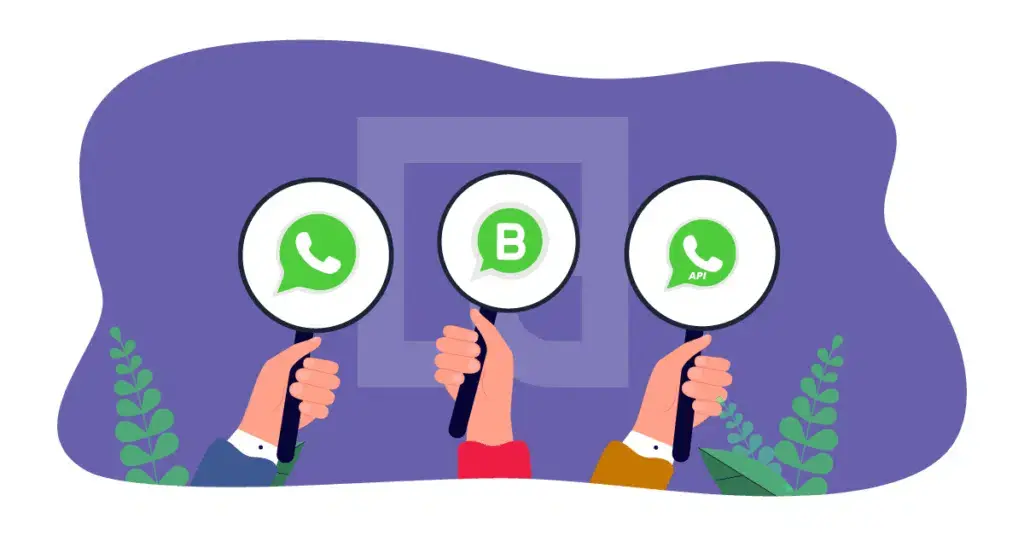
Bring WhatsApp into your customer communication workflow

Connect your WhatsApp Business account and centralize customer conversations in a shared workspace. Give teams a single place to engage prospects, customers, and partners without relying on personal devices or disconnected tools.
Step 01 - Connect

Step 02 - Organize

Turn conversations into customer records

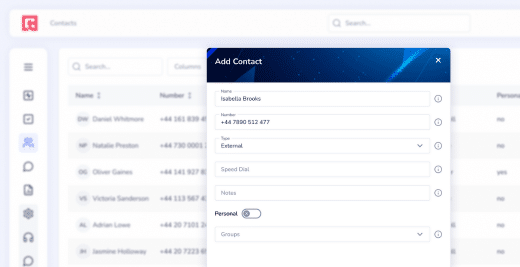
Every WhatsApp interaction is automatically linked to a customer profile, helping teams maintain context across conversations. Squaretalk's contact management feature brings contact details, notes, tags, conversation history, and interaction records in one place.
Step 02 - Organize

Step 03 - Collaborate

Get the right people involved at the right time

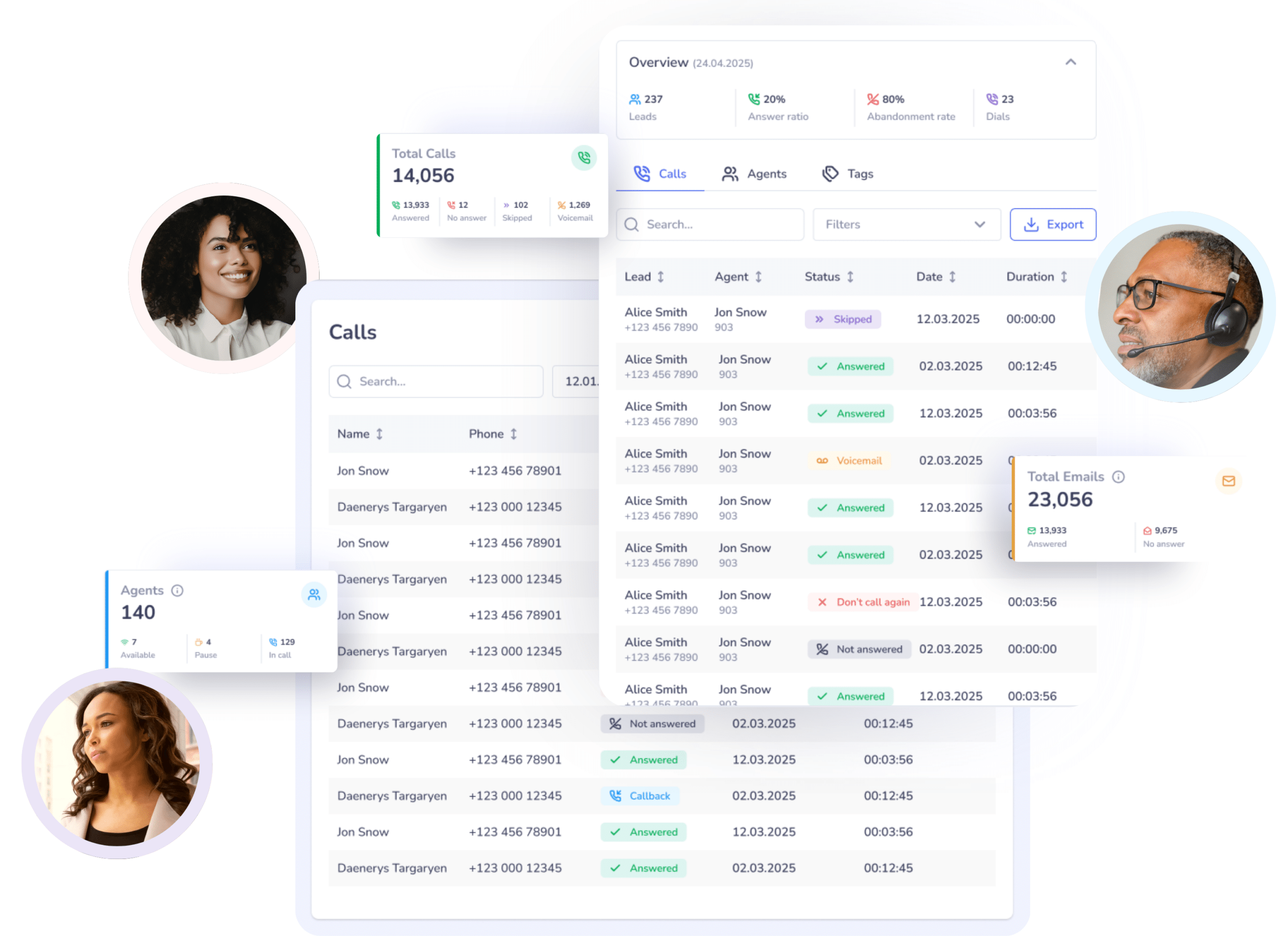
Assign conversations, route inquiries to specialized teams, and collaborate internally without leaving the customer conversation. The internal chat, calls and email features are here to ensure every matter is handeled without having to switch between tools. Whether it's sales, support, customer success, or operations, everyone stays aligned around the customer.
Step 03 - Collaborate

Step 04 - Automate

Scale customer engagement without adding complexity

Use automated workflows, AI-powered assistants, and message templates to handle routine interactions, follow-ups, notifications, and customer outreach. Keep conversations moving while allowing agents to focus on higher-value interactions.

Step 04 - Automate

Step 05 - Analyze

Turn WhatsApp conversations into business insights

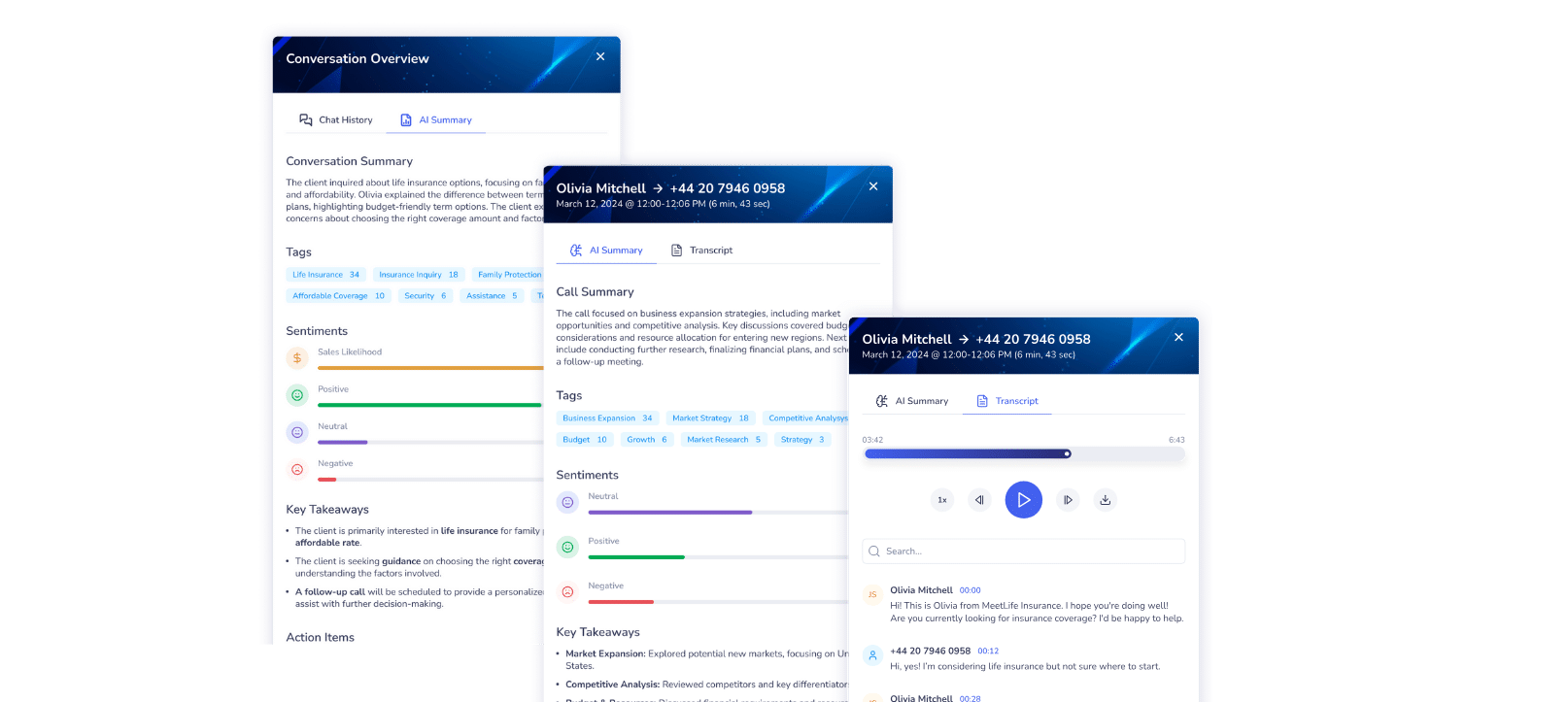
Measure engagement, response times, customer sentiment, and team performance from a single dashboard. Use AI-powered analytics to uncover trends and continuously improve customer experiences.

Step 05 - Analyze

Get a Live Demo

Our Sales Team is here for Your WhatsApp Team

Connect Your Favorite CRM and Business Apps

Extensive Integration Library

The amazing thing about Squaretalk is they were able to take something that must be highly configurable, sophisticated and complex and turn it into super compatible and clear software.
I recommend this soft to everyone in our field. Very easy to use, very cheap and easy to integrate. Good CS and tech support. In addition you have excellent stats and monitoring over the performance of the operators.
I spent weeks doing demos on over 25 predictive dialers and Squaretalk was by far the best. They treat you very well and have a great support team. I really couldn't say anything better about these guys.
As a real estate business, quick response time is crucial, and Squaretalk has noticeably optimized our work, sped up sales cycles, and improved customer satisfaction.
Very competitive pricing and support team are always around to give a solution. We have been using it for more than a few years now, and we can say that they are always here for you.
Squaretalk's the best, we used Twilio, we used a lot of other systems but we are not changing this one.
The AI voice agents work exceptionally well for our player retention campaigns.
Squaretalk provides reliable call management, IVR for after-hours and holidays, queue callbacks, and call transfers, which allow us to handle larger call volumes and resolve issues faster.
Having worked with Squaretalk for over a year, I can confidently vouch for their exceptional VoIP service. The team provides unparalleled support, promptly addressing any needs that arise. Highly recommend for seamless communication and dedicated assistance!
Our overall experience with the Squaretalk team has been excellent. They take customer feedback very seriously, and their platform has consistently met our expectations.
I appreciate how Squaretalk makes it straightforward to add more agents and expand service capacity.
We have been using Squaretalk for several years now, implementing the VoIP phone and logs that are incorporated into our CRM. It's very easy to use, and whenever we have had issues, the customer service is great. They respond quickly by email or telephone, and when needed with desktop sharing.
Wit Squaretalk, we have more autonomy and self-service options than our previous providers, which enables us to make swift changes and optimizations. The support response time is short, even on the weekends, and our account manager is very responsive.
Their customer support is excellent and they have provided quick responses to all my queries.

Frequetnly Asked Questions

What is WhatsApp Business and how does it integrate with Squaretalk?

WhatsApp Business is a tool that enables businesses to send and receive customer messages at scale. Squaretalk seamlessly integrates with the WhatsApp Business Platform, letting you manage WhatsApp conversations and voice calls side by side from a single, unified, and intuitive interface. This centralization of channels connects customer data, agent performance, and real-time reporting, delivering a truly omnichannel experience for both your team and customers.

Yes. Modern platforms generally offer pre-built integrations or APIs to connect seamlessly with CRMs, help desks, marketing tools, and other business applications. This ensures data flows smoothly across your organization without manual work.

Yes. Templates support dynamic variables, which are automatically filled with customer-specific data (like name, phone number, email, or company) from the Contact Management module or via CRM integration. This enables you to scale outreach while keeping each message relevant and personalized.

You can send pre-approved message templates for notifications, confirmations, and marketing, and free-form responses during active conversations. Use Squaretalk’s AI to create custom templates that comply with WhatsApp’s policies.

WhatsApp Business enables real-time and personalized interactions on a channel millions of customers use daily. You can provide instant support, resolve queries, and send proactive updates. This leads to higher customer satisfaction, reduced wait times, and a more convenient support experience.

Canned WhatsApp messages are pre-written responses your support or sales agents can insert during an active conversation, such as “Thanks for reaching out. Can you share your order number?”

Canned messages benefit businesses by making communication faster, more consistent, and easier to scale. Instead of typing the same answers repeatedly, agents can use approved wording for FAQs, pricing inquiries, onboarding steps, verification flows, delivery notifications, or follow-ups.

Squaretalk’s contact center platform provides advanced AI assistance for WhatsApp Business agents, including:

  • AI-Powered Template and Response Generation: Share the specifics of the message you need to send, and our AI will automatically suggest appropriate and pre-formatted message templates, compliant with WhatsApp’s guidelines. Receive autosuggested replies in ongoing conversations to speed up response time.
  • Sentiment Analysis: AI analyzes customer messages to detect their emotional tone and the likelihood of a deal, providing deeper insights.
  • Conversation Summaries: AI-generated overviews of past interactions provide agents and managers with quick context, reducing resolution times and streamlining quality assurance and auditing.

Yes, WhatsApp enforces strict consent rules, including:

  • End-to-End Encryption
  • User Consent
  • Audit Logs
  • Message Template Approval
  • GDPR Compliance

Squaretalks contact center platform adds enterprise-grade security features, including:

  • ISO 27001 Certification
  • GEO IP Protection
  • Multi-Factor Authentication
  • Platform Audit Logs
  • Role-Based Access Control

Yes, you can assign multiple message templates, including different language versions, to a single WhatsApp number. When sending an outbound message, you’ll be able to choose from any of the templates linked to that number.

You can submit any number provided by Squaretalk — including the one local number that comes with every plan — to Meta for WhatsApp verification. However, Meta has the final say on approvals.